Add streams quickly
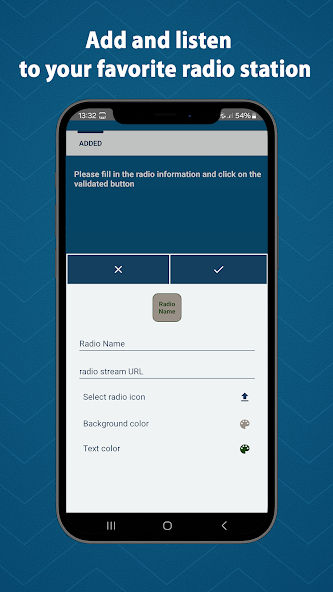
Add audio stream links manually, search stations by name and add stations to your library in one click.
Full edition radio player
Add your own audio streams, find public radio stations by name, organize favorites and keep listening with background playback, recordings and a sleep timer.
The app acts as a playback and discovery tool: users add their own streams or find publicly available stations from third-party sources.
Add audio stream links manually, search stations by name and add stations to your library in one click.
Listen to common audio streaming formats, including MP3, AAC and HLS, with smooth playback.
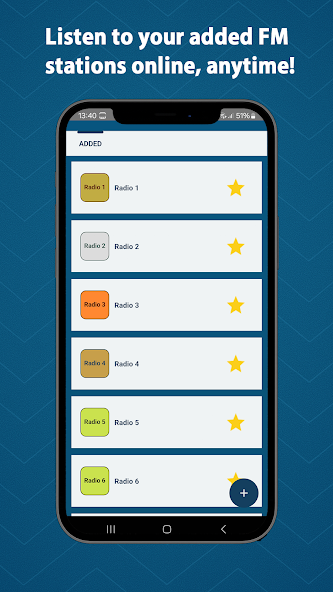
Keep preferred stations close with a personalized favorites list designed for repeated listening.
Continue listening in the background and control playback from notifications when available on your device.
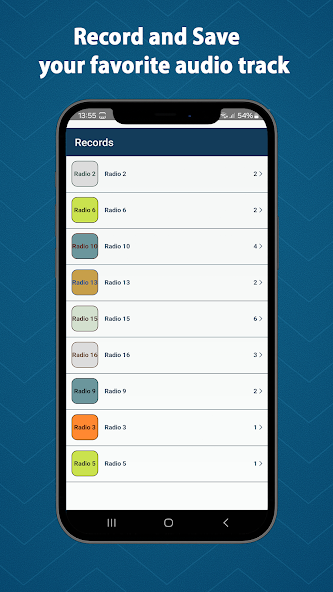
Record audio streams for lawful personal use, according to the rules that apply where you live.
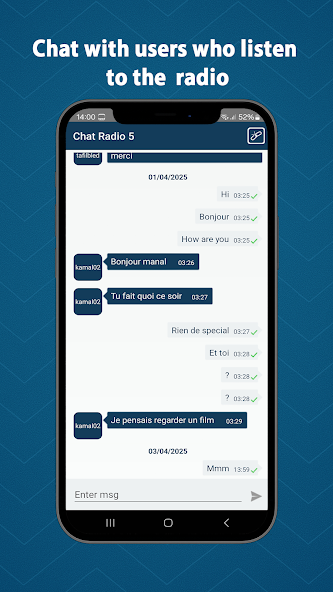
Use the built-in sleep timer, and choose the optional community chat mode when you want interaction.
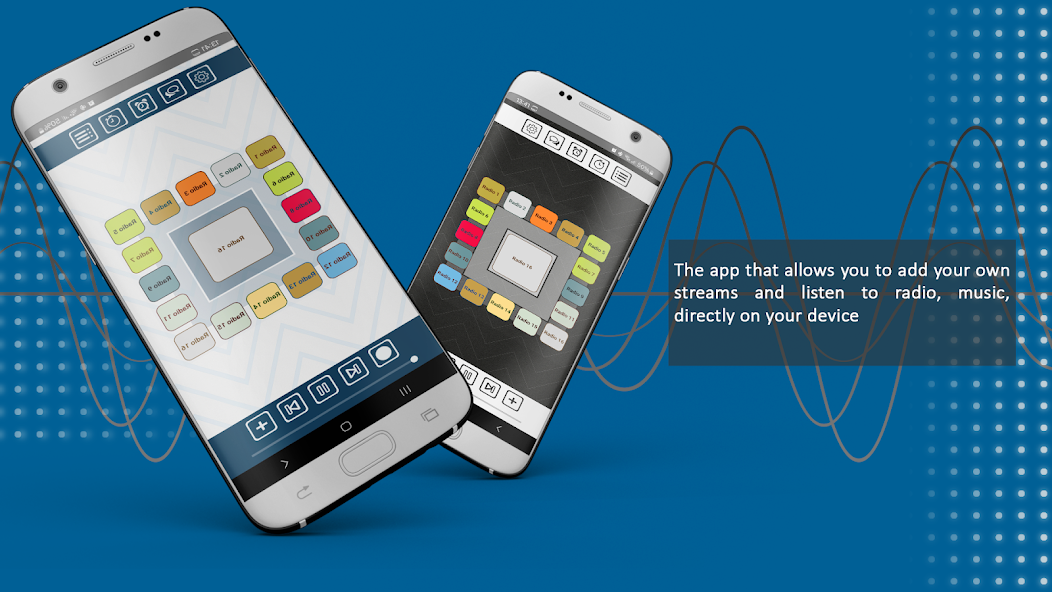
The visuals below come from the current Google Play screenshots for this application.
The current Google Play data safety declaration states that this app shares no data with third parties and collects no data.
The Play Store declaration lists no data collected by the app.
The Play Store declaration lists no data shared with third parties by the app.
The listing states that the app contains ads. Ads are mentioned clearly in the privacy policy.
Live Radio Stream Player Full does not host or broadcast proprietary radio content. It helps you play and organize accessible audio streams in one modern interface.